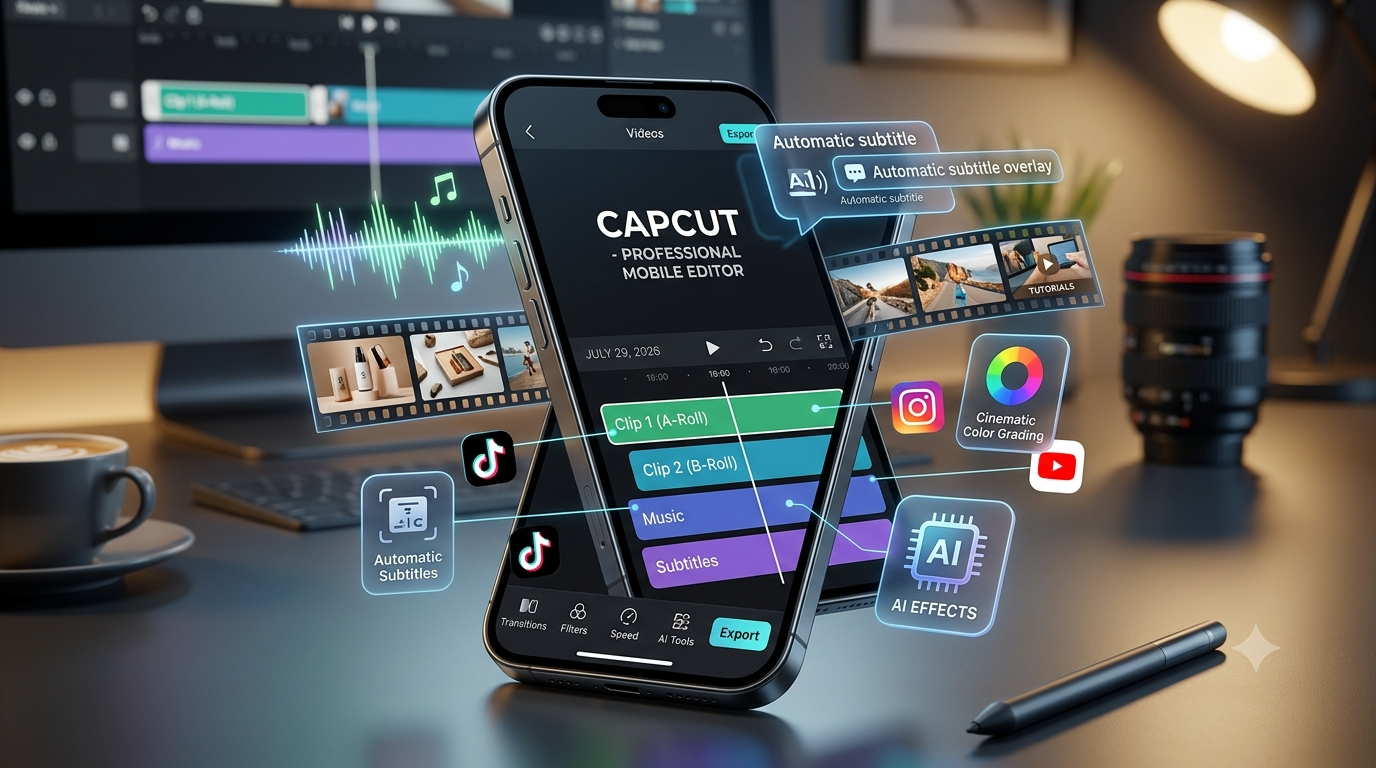
A few years ago, creating professional-looking videos from a smartphone felt almost impossible. If you wanted smooth transitions, cinematic effects, subtitles, and professional color adjustments, you usually needed expensive desktop software and a powerful computer.
I experienced this problem myself while creating short videos for social media. I had ideas for product reels, educational videos, and promotional content, but editing everything on a laptop was slow and inconvenient. Sometimes the idea was ready, but the editing process became the biggest obstacle.
That’s when I started testing mobile video editing apps.
Today, smartphones have become powerful enough to handle serious video editing tasks. With the right app, you can create YouTube videos, Instagram Reels, TikTok videos, advertisements, tutorials, and professional marketing content directly from your phone.
But choosing the right editing app can be confusing.
Some apps are great for beginners but lack advanced features. Others offer professional tools but have a steeper learning curve.
After testing different mobile editors for social media videos, product promotions, short films, and content creation, I found that each app has its own strengths.
In this guide, we’ll compare the 5 best video editing apps for mobile in 2026 and understand which one is best for beginners, creators, businesses, and professional editors.
What Makes a Good Mobile Video Editing App in 2026?
Before choosing an editing app, it is important to understand what features actually matter.
A powerful mobile video editor should offer:
- Easy timeline editing
- Multiple video layers
- Smooth transitions
- AI-powered editing tools
- Automatic captions
- Music and sound effects
- Color correction
- Speed control
- Background removal
- Export options for social media
In 2026, AI features have become one of the biggest improvements in mobile video editing.
Many apps can now automatically:
- Generate subtitles
- Remove backgrounds
- Improve video quality
- Create effects
- Match music with clips
- Suggest edits
However, AI should make editing faster, not replace creativity.
1. CapCut – Best Overall Mobile Video Editing App
CapCut has become one of the most popular video editing apps among creators.
When I first tested CapCut, I expected it to be just another simple mobile editor. But after using it for reels and promotional videos, I realized it offers many features that were previously available only in desktop software.
CapCut is especially popular among:
- TikTok creators
- Instagram users
- YouTubers
- Small businesses
- Marketing professionals
CapCut Key Features in 2026
1. AI-Powered Editing Tools
CapCut includes several AI features that speed up editing.
Useful tools include:
- Automatic captions
- Background removal
- AI effects
- Voice enhancement
- Smart editing suggestions
For example, if you create educational videos, automatic captions can save a lot of time.
2. Huge Template Library
One reason CapCut became popular is its ready-made templates.
You can quickly create:
- Trending reels
- Product videos
- Travel edits
- Promotional clips
This is especially useful when you need content quickly.
3. Professional Editing Controls
Despite being beginner-friendly, CapCut includes advanced features:
- Keyframe animation
- Speed curves
- Green screen editing
- Layer-based editing
- Color adjustments
CapCut Pros
✅ Powerful free features
✅ Excellent for short-form videos
✅ AI tools are useful
✅ Large effects library
✅ Beginner-friendly interface
CapCut Cons
❌ Some advanced features require premium access
❌ Templates can make videos look similar
❌ Heavy projects may slow older phones
Best For:
- Instagram Reels
- TikTok videos
- YouTube Shorts
- Product advertisements
- Beginners and creators
For most mobile creators in 2026, CapCut is probably the best starting point.
2. VN Video Editor – Best Free Professional Editor
VN Video Editor is one of the apps that surprised me.
Many people overlook it because it does not have the same popularity as CapCut, but it offers a cleaner professional editing experience.
I like VN because it feels closer to traditional video editing software.
VN Video Editor Features
1. Multi-Layer Timeline
VN allows you to work with:
- Multiple video tracks
- Audio layers
- Text layers
- Effects
This gives more control over complex projects.
2. No Watermark
One major advantage is that VN allows users to export videos without adding a watermark.
This is important for creators who want professional-looking content.
3. Advanced Editing Tools
VN includes:
- Keyframe animations
- Speed adjustments
- Filters
- Transitions
- Color grading options
VN Video Editor Pros
✅ Professional timeline
✅ No watermark
✅ Powerful free version
✅ Clean interface
✅ Good for longer videos
VN Video Editor Cons
❌ Fewer templates compared with CapCut
❌ Beginners may need time to learn
❌ Smaller effects library
Best For:
- YouTube creators
- Long-form videos
- Professional editing
- Users who want more control
3. Adobe Premiere Rush – Best for Adobe Users
Adobe Premiere Rush brings Adobe’s professional video editing experience to mobile devices.
If you already use Adobe products, Premiere Rush feels familiar.
It is designed for creators who want a simple version of professional editing.
Adobe Premiere Rush Features
1. Cross-Device Editing
One useful feature is the ability to start editing on mobile and continue on another device.
This helps creators who work across different platforms.
2. Professional Audio Controls
Good audio is often more important than video quality.
Premiere Rush provides:
- Audio adjustments
- Voice enhancement
- Background music controls
3. Simple Professional Workflow
Compared with full Adobe Premiere Pro, Rush is easier to learn.
Adobe Premiere Rush Pros
✅ Professional brand reputation
✅ Good audio tools
✅ Simple workflow
✅ Adobe ecosystem integration
Adobe Premiere Rush Cons
❌ Limited features compared with desktop editors
❌ Subscription required for some features
❌ Not as many effects as competitors
Best For:
- Adobe users
- Professional creators
- Business videos
4. InShot – Best for Quick Social Media Editing
InShot is one of the easiest video editing apps available.
I recommend InShot for users who want fast editing without complicated tools.
It is perfect when you need to create a simple video quickly.
InShot Features
You can easily create:
- Instagram posts
- Stories
- Short videos
- Product clips
Features include:
- Video trimming
- Music
- Filters
- Text
- Stickers
- Transitions
InShot Pros
✅ Very easy to use
✅ Fast editing workflow
✅ Great for social media
✅ Beginner-friendly
InShot Cons
❌ Limited professional features
❌ Less suitable for complex projects
❌ Free version includes limitations
Best For:
- Beginners
- Instagram creators
- Quick edits
5. KineMaster – Best Advanced Mobile Editing
KineMaster has been a popular mobile editing app for years.
It focuses more on advanced editing compared with simple apps.
KineMaster Features
It offers:
- Multiple video layers
- Chroma key editing
- Advanced effects
- Audio mixing
- Precise trimming
It feels closer to desktop editing software.
KineMaster Pros
✅ Powerful editing controls
✅ Great layer management
✅ Good for advanced users
✅ Supports detailed editing
KineMaster Cons
❌ Interface can feel complicated
❌ Free version has limitations
❌ Requires learning time
Best For:
- Advanced mobile editors
- YouTube creators
- Educational videos
Best Mobile Video Editing Apps Comparison 2026
| App | Best For | Difficulty Level | Main Strength |
|---|---|---|---|
| CapCut | Social media videos | Easy | AI tools and templates |
| VN Editor | Professional editing | Medium | Timeline control |
| Adobe Premiere Rush | Adobe users | Medium | Professional workflow |
| InShot | Quick videos | Easy | Simplicity |
| KineMaster | Advanced editing | Advanced | Editing control |
Which Video Editing App Should You Choose?
For Beginners:
Winner: CapCut or InShot
If you are creating your first videos, choose an app that does not overwhelm you.
For Social Media Creators:
Winner: CapCut
For Reels, Shorts, and TikTok content, CapCut provides the best combination of speed and features.
For Professional Mobile Editing:
Winner: VN Video Editor or KineMaster
These apps provide more control over your final video.
For Business Marketing Videos:
Winner: CapCut + Adobe Premiere Rush
CapCut is great for fast promotional content, while Adobe Rush offers a more professional workflow.
Common Mistakes New Video Editors Make
1. Adding Too Many Effects
Many beginners think more transitions and effects make videos better.
Usually, simple editing looks more professional.
Focus on:
- Good storytelling
- Clear audio
- Smooth cuts
2. Ignoring Audio Quality
A video with average visuals but good audio often performs better than a beautiful video with poor sound.
Always improve:
- Voice clarity
- Background noise
- Music balance
3. Creating Without a Plan
Before editing, decide:
- What is the purpose?
- Who is the audience?
- What message should viewers remember?
A simple plan saves hours of editing.
My Recommended Mobile Editing Workflow in 2026
For most creators, I recommend this workflow:
Step 1:
Record videos using your smartphone camera.
Step 2:
Organize clips before editing.
Step 3:
Use CapCut or VN for editing.
Step 4:
Add captions and improve audio.
Step 5:
Export according to platform requirements.
For example:
- Instagram Reels: 9:16 vertical format
- YouTube Shorts: 9:16 vertical format
- YouTube videos: 16:9 horizontal format
Final Thoughts
Mobile video editing has improved dramatically in 2026. You no longer need expensive computers or complicated software to create professional-looking videos.
The best app depends on your goals.
For most users, CapCut is the best overall mobile video editor because it combines powerful features with simplicity.
If you want more professional control, VN Video Editor and KineMaster are excellent choices.
For Adobe users, Premiere Rush provides a familiar professional workflow.
And if you simply want fast social media edits, InShot remains one of the easiest options.
The most important thing is not the app itself. Great videos come from good ideas, storytelling, and consistent practice. The right editing tool simply helps you bring those ideas to life faster.