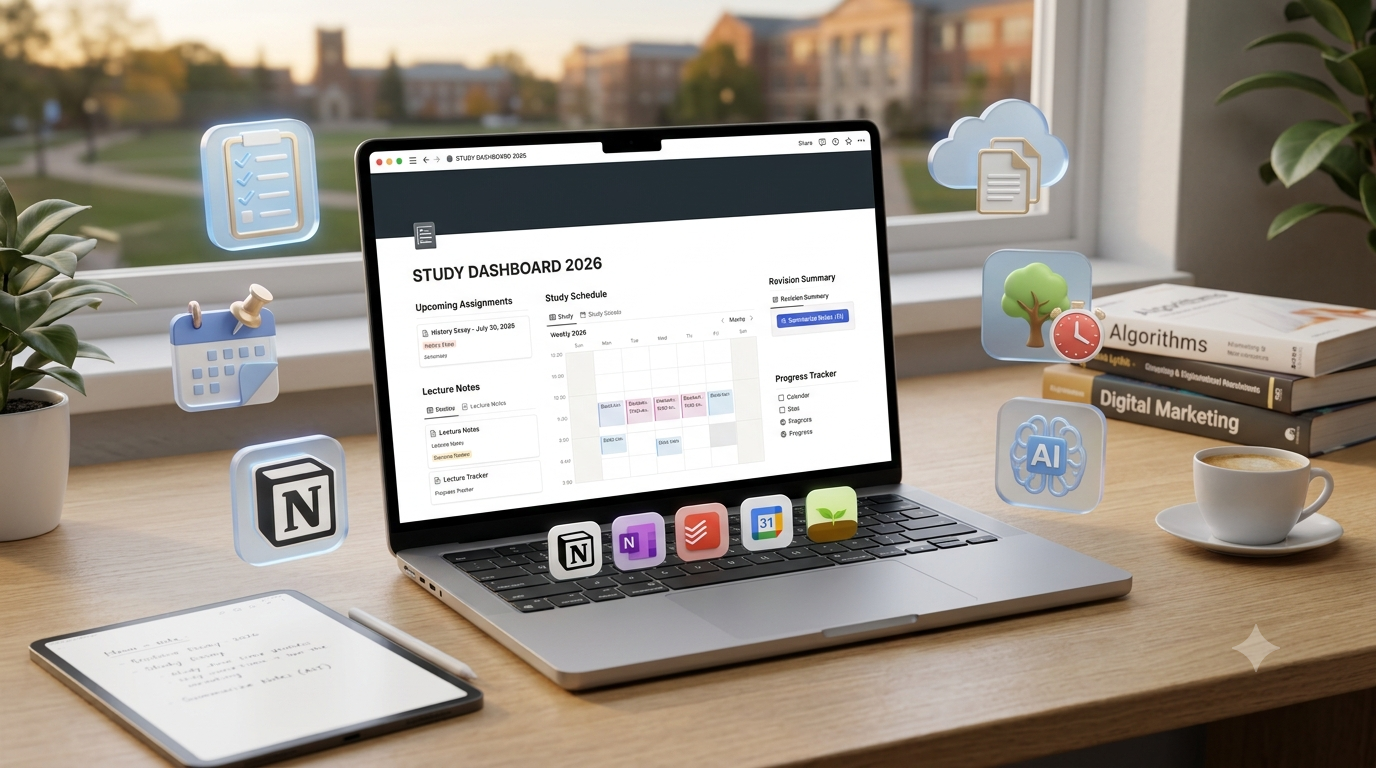
I still remember how difficult it was to manage university work when everything started piling up at the same time.
One day I had lecture notes saved in my phone gallery, assignments written in random documents, important deadlines written on paper, and research links open in dozens of browser tabs. Nothing was impossible to handle, but the constant searching and organizing wasted a lot of time.
The biggest challenge for students is often not studying itself. It is managing everything around studying.
Classes, assignments, exams, projects, group work, and personal responsibilities can quickly become overwhelming without a proper system.
That is where productivity apps can make a real difference.
In 2026, students have access to powerful tools that can help organize notes, track tasks, manage schedules, collaborate with classmates, and even use AI to study more efficiently.
But with hundreds of apps available, choosing the right ones can be confusing.
Some apps are excellent for note-taking. Others are better for planning, focus, or managing large projects.
After testing different productivity tools for studying, writing, planning, and daily organization, I found that the best apps are not necessarily the ones with the most features. They are the ones that fit naturally into your study routine.
In this guide, we will explore the best productivity apps for students in 2026 and how each one can improve your study workflow.
Why Students Need Productivity Apps in 2026
Student life has become more digital than ever.
Most students now manage:
- Online lectures
- Digital textbooks
- Research papers
- Assignment submissions
- Group projects
- Cloud documents
- Online courses
Without organization, important information gets lost easily.
A good productivity app helps you:
- Store information in one place
- Remember deadlines
- Create better study plans
- Reduce distractions
- Improve focus
- Save time
The goal is not to use dozens of apps.
The goal is to build a simple system that supports your learning.
1. Notion – Best All-in-One Student Workspace
Notion has become one of the most popular productivity apps among students.
When I first tried Notion, I thought it was just another note-taking app. But after using it for organizing courses, assignments, and study plans, I realized it works more like a personal digital workspace.
Students can use Notion for:
- Notes
- To-do lists
- Study schedules
- Project management
- Research organization
- Exam preparation
Notion Features for Students
1. Digital Study Planner
Instead of keeping separate notebooks for every subject, you can create a complete study dashboard.
For example:
Semester Dashboard
- Subject list
- Assignment deadlines
- Exam dates
- Weekly goals
- Lecture notes
Everything stays connected.
2. Flexible Note-Taking
Notion allows students to create structured notes using:
- Headings
- Tables
- Checklists
- Images
- Links
- Databases
This is useful for subjects that require organized information.
3. Notion AI Features
Notion AI can help students with:
- Summarizing notes
- Explaining concepts
- Creating study questions
- Improving writing
For example, after adding lecture notes, you can ask AI to create a quick revision summary.
Notion Pros
✅ Excellent organization
✅ Great for semester planning
✅ Flexible note system
✅ Useful AI features
✅ Works across devices
Notion Cons
❌ Requires time to learn
❌ Too many options can feel overwhelming
❌ Not ideal for quick handwritten notes
Best For:
- University students
- Researchers
- Students managing multiple subjects
- Project-based learning
2. Microsoft OneNote – Best Digital Notebook for Students
Microsoft OneNote has been a favorite student tool for years.
Unlike Notion, OneNote feels more like a traditional notebook.
You create:
- Notebooks
- Sections
- Pages
This structure feels natural for students.
OneNote Features
1. Handwritten Notes
OneNote works especially well with tablets and styluses.
Students can:
- Write notes by hand
- Draw diagrams
- Highlight important information
This is useful for:
- Mathematics
- Science subjects
- Engineering courses
2. Easy Lecture Organization
You can create:
Notebook: Computer Science
Sections:
- Programming
- Database
- Artificial Intelligence
- Algorithms
Each section contains related notes.
3. Microsoft Integration
If you already use:
- Word
- Excel
- PowerPoint
- OneDrive
OneNote fits naturally into your workflow.
OneNote Pros
✅ Excellent for lecture notes
✅ Great handwriting support
✅ Simple organization
✅ Free features are strong
OneNote Cons
❌ Less flexible than Notion
❌ Project management features are limited
❌ Interface may feel outdated to some users
Best For:
- Students who take lots of notes
- Tablet users
- Traditional note-taking style learners
3. Todoist – Best Task Management App for Students
Todoist focuses on one important thing: managing tasks.
Many students do not fail because they lack knowledge. They struggle because deadlines are forgotten.
Todoist helps solve this problem.
Todoist Features
1. Assignment Tracking
You can create tasks like:
- Complete research paper
- Submit programming assignment
- Review chapter 5
- Prepare presentation
Each task can include:
- Due date
- Priority level
- Labels
2. Simple Interface
Unlike complex productivity systems, Todoist is easy to start using.
You can create a task within seconds.
3. Weekly Planning
Students can plan their week by adding:
- Study goals
- Personal tasks
- Academic deadlines
Todoist Pros
✅ Very easy to use
✅ Excellent task organization
✅ Clean interface
✅ Good reminders
Todoist Cons
❌ Not designed for detailed notes
❌ Advanced features require premium plan
Best For:
- Students with many deadlines
- Busy university schedules
- Assignment management
4. Google Calendar – Best Schedule Management App
Google Calendar is one of the simplest but most useful productivity tools for students.
Many students create task lists but forget to schedule actual study time.
Google Calendar solves this by helping you manage your time.
Google Calendar Features
1. Class Schedule Management
You can add:
- Lectures
- Exams
- Assignment deadlines
- Study sessions
2. Reminders
Notifications help prevent missed deadlines.
For example:
“Research paper due Friday”
can remind you several days before submission.
3. Time Blocking
One powerful technique is time blocking.
Example:
Monday:
5 PM – 7 PM → Programming practice
8 PM – 9 PM → Reading assignment
This creates a realistic study routine.
Google Calendar Pros
✅ Free
✅ Simple
✅ Works everywhere
✅ Great reminders
Google Calendar Cons
❌ Not suitable for detailed notes
❌ Requires discipline to maintain
Best For:
- All students
- Time management
- Exam planning
5. Forest – Best Focus App for Avoiding Distractions
Forest focuses on one major student problem:
Phone distractions.
You may sit down to study for two hours, but notifications and social media can destroy your focus.
Forest uses a simple idea.
You start a focus session and grow a virtual tree.
If you leave the app too early, your tree dies.
Forest Features
1. Pomodoro Technique
Students can use focused sessions like:
- 25 minutes study
- 5 minutes break
2. Motivation System
The visual progress encourages consistency.
It turns studying into a small challenge.
Forest Pros
✅ Helps reduce phone usage
✅ Simple concept
✅ Encourages focus
Forest Cons
❌ Does not manage notes or tasks
❌ Requires self-discipline
Best For:
- Students who get distracted easily
- Exam preparation
- Deep study sessions
6. Grammarly – Best Writing Assistant for Students
Grammarly is useful for students who regularly write:
- Essays
- Reports
- Research papers
- Emails
It helps improve:
- Grammar
- Sentence clarity
- Writing style
Grammarly Features
Students can use it to:
- Correct grammar mistakes
- Improve sentence structure
- Make writing more professional
However, students should still understand their work instead of depending completely on AI suggestions.
Best Productivity App Combination for Students in 2026
Instead of using every app, create a simple system.
A practical combination:
For Organization:
Notion
Use it for:
- Notes
- Study planning
- Projects
For Deadlines:
Todoist + Google Calendar
Use them for:
- Assignments
- Exams
- Reminders
For Focus:
Forest
Use it during study sessions.
For Writing:
Grammarly
Use it for improving assignments.
Common Productivity Mistakes Students Make
1. Using Too Many Apps
Installing 15 productivity apps does not make you more productive.
A simple system is usually better.
2. Spending More Time Organizing Than Studying
Some students spend hours creating beautiful planners but avoid actual work.
Productivity tools should save time, not consume it.
3. Not Reviewing Your System
Your study routine changes during:
- Exams
- Holidays
- New semesters
Update your system when needed.
My Recommended Student Workflow in 2026
Here is a simple setup that works well:
Morning:
Check Google Calendar for important events.
During Classes:
Take notes using OneNote or Notion.
After Classes:
Create tasks in Todoist.
Study Time:
Use Forest for focused sessions.
Before Submission:
Review writing with Grammarly.
This creates a complete learning system without making things complicated.
Final Thoughts
The best productivity app for students in 2026 depends on how you study.
If you want an all-in-one workspace, Notion is the strongest choice.
If you prefer traditional digital notes, Microsoft OneNote is excellent.
If deadlines are your biggest problem, Todoist and Google Calendar can completely change your routine.
If distractions are stopping your progress, Forest can help build better focus habits.
The biggest lesson after testing these tools is simple:
Productivity apps do not magically create better students. They create better systems.
The students who benefit most are not the ones using the most apps. They are the ones who choose the right tools, build consistent habits, and use technology to make studying easier.