A few years ago, whenever I needed to create a social media post or edit a product image, I would usually open my laptop, search for the right software, and spend a lot of time trying to figure out complicated editing tools.
The frustrating part was not the editing itself. It was finding a tool that was powerful enough to create professional-looking designs but simple enough to use quickly.
That is where mobile-friendly design apps changed everything.
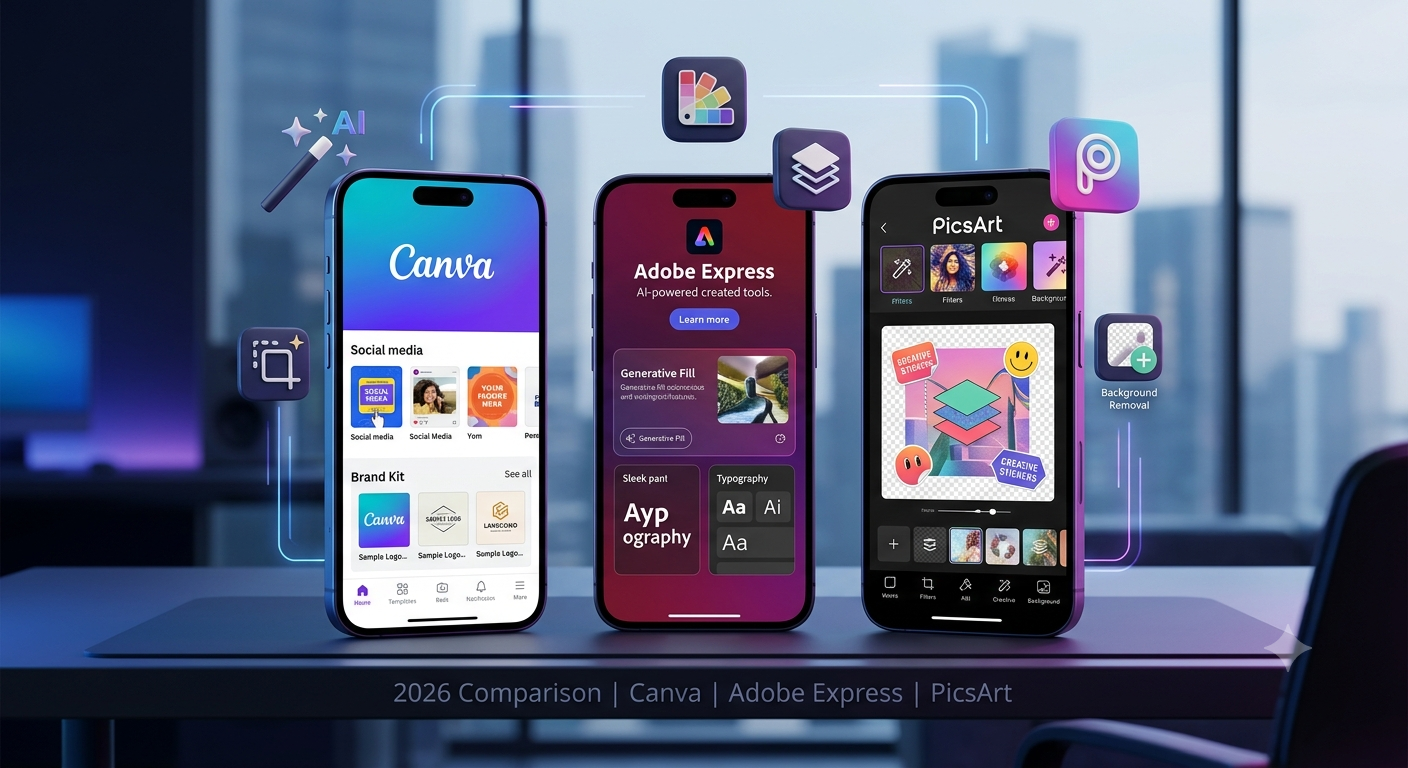
Today, apps like Canva, Adobe Express, and PicsArt have made photo editing accessible for everyone. Whether you are a content creator, student, marketer, business owner, or someone who simply wants better photos, these apps can help you create impressive designs without years of editing experience.
But choosing the right app is not easy.
Canva focuses heavily on design templates and content creation. Adobe Express brings Adobe’s professional background into a simpler interface. PicsArt is known for creative photo editing, effects, and social media-style transformations.
After testing these apps for different tasks like social media posts, product designs, thumbnails, posters, and everyday photo editing, I found that each one has a different purpose.
In this guide, I’ll compare Canva, Adobe Express, and PicsArt to help you decide which photo editing app is best for your needs in 2026.
What Makes a Good Photo Editing App in 2026?
Before comparing these apps, it is important to understand what users actually need.
A good editing app should provide:
- Easy-to-use tools
- Professional templates
- AI-powered features
- Background removal
- Image enhancement
- Text and typography options
- Social media formats
- Fast editing workflow
- Mobile and desktop support
In 2026, AI features have become a major factor.
Users no longer want to spend 30 minutes removing backgrounds or adjusting every small detail manually. They want tools that can speed up creative work while still giving control.
Canva: Best All-in-One Design App for Content Creators
Canva is probably the first app many people think about when they hear “easy graphic design.”
I started using Canva mainly for social media posts, but eventually it became useful for many other tasks:
- Blog graphics
- YouTube thumbnails
- Product advertisements
- Presentations
- Posters
- Business documents
The biggest strength of Canva is simplicity.
You do not need advanced design knowledge. The templates guide you through the process.
Canva Key Features in 2026
1. Thousands of Ready-Made Templates
This is where Canva shines.
Instead of creating a design from zero, you can choose templates for:
- Instagram posts
- Facebook ads
- Posters
- Flyers
- Presentations
- Business cards
For beginners, this saves a huge amount of time.
2. AI Design Features
Canva has added more AI-powered tools that help with:
- Generating design ideas
- Creating images
- Writing text
- Removing backgrounds
- Editing objects inside images
For example, if you have a product photo with an unwanted background, Canva can help create a cleaner design quickly.
3. Brand Kit for Businesses
One feature I find useful for business projects is keeping branding consistent.
You can save:
- Logo
- Colors
- Fonts
- Brand styles
This is especially helpful when creating multiple social media posts.
Canva Pros
✅ Extremely beginner-friendly
✅ Huge template library
✅ Great for social media content
✅ Useful AI tools
✅ Works on mobile and desktop
✅ Good collaboration features
Canva Cons
❌ Some advanced photo editing features are limited
❌ Many premium templates require a paid plan
❌ Designers wanting detailed control may find it basic
Best Users for Canva
Canva is ideal for:
- Social media managers
- Bloggers
- Small businesses
- Students
- Marketing teams
- Beginners
If your main goal is creating attractive content quickly, Canva is probably the easiest choice.
Adobe Express: Best Choice for Professional-Looking Designs
Adobe has been a major name in creative software for decades.
While professional tools like Photoshop and Illustrator can feel complicated for beginners, Adobe Express provides a simpler experience.
It combines Adobe’s creative technology with an easier interface.
I found Adobe Express particularly useful when I wanted designs that looked more polished without opening heavy desktop software.
Adobe Express Key Features in 2026
1. AI-Powered Editing
Adobe Express includes AI features that help with:
- Generating images
- Removing backgrounds
- Creating text effects
- Improving designs
- Editing visual elements
These tools are helpful when you need professional results quickly.
2. Adobe Fonts and Creative Assets
One advantage Adobe Express has is access to Adobe’s creative ecosystem.
You get:
- Professional fonts
- Stock images
- Design elements
- Templates
This gives designs a more premium feel.
3. Better Creative Control
Compared with Canva, Adobe Express often feels more focused on visual quality.
It gives users more control over:
- Layouts
- Effects
- Typography
- Image adjustments
Adobe Express Pros
✅ Professional-quality designs
✅ Strong AI features
✅ Access to Adobe creative resources
✅ Good typography options
✅ Great for branding
Adobe Express Cons
❌ Slightly higher learning curve
❌ Fewer beginner-friendly templates compared with Canva
❌ Some features require premium access
Best Users for Adobe Express
Adobe Express is better for:
- Professional creators
- Brand designers
- Freelancers
- Marketing professionals
- Adobe ecosystem users
If you want your designs to look more like professional marketing material, Adobe Express is a strong option.
PicsArt: Best App for Creative Photo Editing
Unlike Canva and Adobe Express, PicsArt focuses more on photo editing and creative transformations.
I usually use PicsArt when I want to make images more artistic rather than create business designs.
It is popular among:
- Instagram creators
- Mobile photographers
- Social media users
PicsArt Key Features in 2026
1. Creative Effects and Filters
PicsArt offers many creative editing options:
- Filters
- Effects
- Stickers
- Artistic styles
- Photo transformations
This makes it fun for personal projects.
2. AI Photo Editing
AI tools help with:
- Image enhancement
- Background changes
- Creative effects
- Object editing
For example, you can transform a normal photo into a more stylized image.
3. Drawing and Creative Tools
PicsArt includes features for users who like experimenting.
You can:
- Add artistic elements
- Draw on images
- Create custom edits
PicsArt Pros
✅ Excellent creative effects
✅ Fun editing experience
✅ Strong mobile photo editing tools
✅ Large creative community
✅ Good for social media photos
PicsArt Cons
❌ Not the best choice for professional business designs
❌ Interface can feel crowded
❌ Many effects are targeted toward casual editing
Best Users for PicsArt
PicsArt works well for:
- Social media users
- Mobile photographers
- Influencers
- Creative hobbyists
If your goal is making unique and eye-catching photos, PicsArt is worth considering.
Canva vs Adobe Express vs PicsArt: Feature Comparison
| Feature | Canva | Adobe Express | PicsArt |
|---|---|---|---|
| Templates | Excellent | Very Good | Good |
| Photo Editing | Good | Very Good | Excellent |
| AI Features | Excellent | Excellent | Good |
| Social Media Design | Excellent | Very Good | Good |
| Professional Branding | Very Good | Excellent | Average |
| Creative Effects | Good | Good | Excellent |
| Beginner Friendly | Excellent | Good | Good |
| Mobile Editing | Excellent | Excellent | Excellent |
Which App Is Best for Social Media Content?
For social media managers and businesses:
Winner: Canva
Why?
Because most social media work requires:
- Fast designs
- Templates
- Multiple formats
- Brand consistency
Creating 10 Instagram posts in Canva is much easier compared with traditional editing software.
Which App Is Best for Professional Designs?
Winner: Adobe Express
If you care about:
- Premium visuals
- Better typography
- Professional branding
Adobe Express has an advantage.
It feels closer to professional design software while remaining simple.
Which App Is Best for Editing Photos?
Winner: PicsArt
For:
- Creative filters
- Portrait edits
- Artistic effects
PicsArt provides more playful editing options.
My Recommended Workflow in 2026
After testing all three apps, I would not choose only one.
A practical workflow would be:
For Business Posts:
Use Canva.
For Professional Branding:
Use Adobe Express.
For Creative Photo Editing:
Use PicsArt.
Each app solves a different problem.
Common Mistakes When Choosing a Photo Editing App
1. Choosing the App With the Most Features
More features do not always mean better.
A beginner may become overwhelmed with complicated tools.
Choose based on your actual needs.
2. Ignoring Templates
Templates save time.
If you create content regularly, a strong template library is extremely valuable.
3. Depending Completely on AI
AI tools are helpful, but the best designs still need human creativity.
A good editor knows:
- What message to communicate
- Which colors work
- How to organize information
Final Thoughts: Canva vs Adobe Express vs PicsArt
After using these apps for different projects, I believe there is no single winner for everyone.
If you want the easiest tool for creating social media posts, presentations, and marketing designs, Canva is the best overall choice.
If you want more professional-looking designs with Adobe technology behind them, Adobe Express is a powerful option.
If your focus is creative photo editing and artistic effects, PicsArt is the better choice.
The best app depends on what you create.
For most beginners and content creators in 2026, starting with Canva makes the most sense. As your design skills grow, exploring Adobe Express and PicsArt can expand your creative possibilities.
The important thing is not which app you choose — it is how effectively you use the tools to turn your ideas into better visual content.