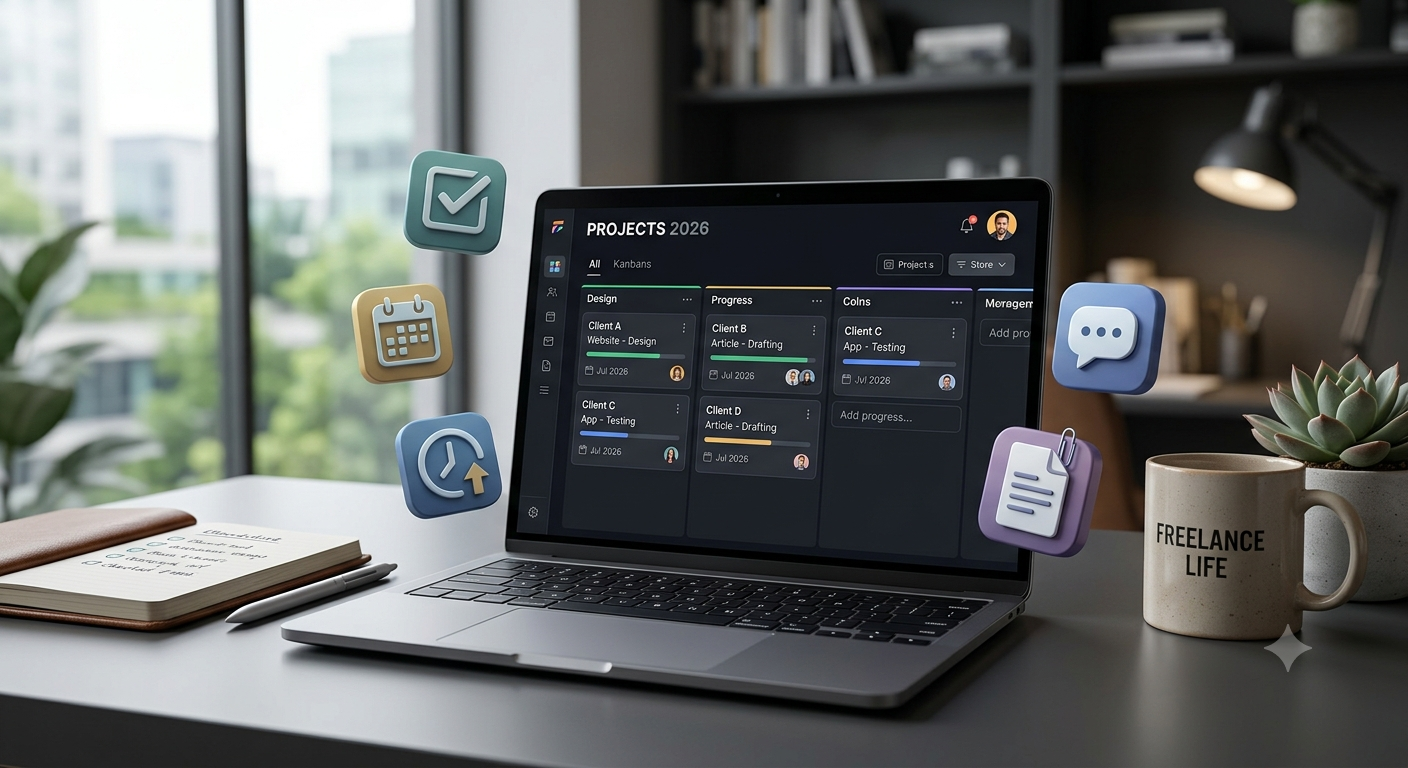
I still remember missing a small client update because I had saved the project details in three different places. The deadline was written in my notebook, the client requirements were inside an email thread, and the latest design files were sitting in a cloud folder with a confusing name.
The project itself was going well, but managing everything around it became stressful.
This is a common problem for freelancers.
When you work alone, you are not just a designer, developer, writer, or marketer. You are also your own project manager, accountant, customer support team, and business administrator.
You need to manage:
- Multiple clients
- Deadlines
- Tasks
- Revisions
- Payments
- Files
- Communication
Without a proper system, even talented freelancers can lose time and make avoidable mistakes.
That is where project management apps become extremely valuable.
In 2026, freelancers have access to powerful tools that help organize projects, communicate with clients, track progress, and create professional workflows.
But choosing the right app can be confusing.
Some tools are perfect for small freelance projects. Others are designed for agencies with large teams.
After testing different project management platforms for client work, content projects, software development tasks, and business organization, this guide covers the best project management apps for freelancers in 2026.
Why Freelancers Need Project Management Apps
Many beginners think project management tools are only for companies with employees.
That is not true.
Freelancers often need them even more because everything depends on one person.
A good project management app helps you:
- Remember deadlines
- Organize client requests
- Track project progress
- Avoid missed tasks
- Share updates professionally
- Store important information
Instead of asking:
“Where did I save that client message?”
You have one organized workspace.
Important Features Freelancers Should Look For
Before choosing a project management app, consider these features.
Task Management
You should be able to create:
- Tasks
- Subtasks
- Deadlines
- Priorities
- Status updates
Client Collaboration
A good freelancer tool should make it easy to:
- Share progress
- Receive feedback
- Communicate clearly
Time Tracking
Many freelancers charge hourly.
Time tracking helps understand:
- How long projects take
- Whether pricing is profitable
- Where time is being wasted
File Management
Projects often include:
- Images
- Documents
- Designs
- Code files
- Reports
Easy file organization saves time.
1. Notion – Best All-in-One Workspace for Freelancers
Notion has become one of the most popular productivity tools among freelancers.
When I first used Notion, I mainly thought of it as a note-taking app. But after creating client dashboards and project trackers, I realized it could replace multiple tools.
Freelancers can use Notion for:
- Client databases
- Project planning
- Content calendars
- Meeting notes
- Business documentation
Notion Features for Freelancers
1. Client Management Dashboard
You can create a database containing:
| Client | Project | Status | Deadline |
|---|---|---|---|
| Client A | Website Design | In Progress | July 20 |
| Client B | Blog Writing | Review | July 25 |
This gives you a complete overview.
2. Project Templates
You can create reusable templates for:
- New client onboarding
- Content projects
- Website development
- Marketing campaigns
This saves time when starting new work.
3. Documentation
Many freelancers forget the importance of documentation.
Notion can store:
- Client requirements
- Brand guidelines
- Meeting notes
- Project instructions
Notion Pros
✅ Flexible workspace
✅ Great client organization
✅ Beautiful templates
✅ Combines notes and project management
✅ Useful AI features
Notion Cons
❌ Requires setup time
❌ Can become complicated
❌ Not the strongest for advanced team management
Best For:
- Content creators
- Designers
- Developers
- Solo freelancers
2. Trello – Best Simple Project Management App
Trello is one of the easiest project management tools to understand.
It uses a visual Kanban board system.
The concept is simple:
Tasks move from one stage to another.
Example:
Ideas → Working → Review → Completed
Trello Features
1. Visual Boards
A freelancer can create:
Website Project
Columns:
- Requirements
- Designing
- Development
- Testing
- Completed
Each task becomes a card.
2. Client Progress Tracking
You can show clients project progress without complicated explanations.
3. Automation
Trello supports automation for repetitive tasks.
Example:
When a task moves to “Completed,” automatically mark it finished.
Trello Pros
✅ Extremely easy to learn
✅ Great visual organization
✅ Good for small projects
✅ Simple client sharing
Trello Cons
❌ Limited advanced reporting
❌ Not ideal for large projects
❌ Less powerful for complex workflows
Best For:
- Beginners
- Small freelance projects
- Designers
- Content creators
3. Asana – Best Professional Project Management Tool
Asana is designed for people who need more structured project management.
It is popular among teams but also works well for serious freelancers.
Asana Features
1. Detailed Task Management
You can organize:
- Projects
- Tasks
- Subtasks
- Deadlines
- Dependencies
This is useful for larger freelance projects.
2. Project Timeline
The timeline view helps understand:
- What needs to happen first
- Which tasks depend on others
- Whether deadlines are realistic
3. Client Collaboration
You can invite clients to view specific project areas.
Asana Pros
✅ Professional workflow
✅ Excellent task organization
✅ Good project tracking
✅ Powerful views
Asana Cons
❌ Can feel complex for beginners
❌ More features than many freelancers need
Best For:
- Experienced freelancers
- Marketing projects
- Large client work
4. ClickUp – Best All-in-One Freelancer Management Tool
ClickUp is one of the most feature-rich project management platforms.
It tries to combine:
- Project management
- Documentation
- Time tracking
- Goals
- Communication
into one platform.
ClickUp Features
1. Multiple Project Views
You can view projects as:
- Lists
- Boards
- Calendars
- Timelines
Different projects require different views.
2. Time Tracking
Freelancers can track how much time they spend on tasks.
This helps with:
- Hourly projects
- Pricing decisions
- Productivity analysis
3. Client Portals
You can organize client information and project updates professionally.
ClickUp Pros
✅ Many features in one app
✅ Great customization
✅ Strong freelancer workflow
✅ Time tracking included
ClickUp Cons
❌ Learning curve is higher
❌ Too many options can feel overwhelming
Best For:
- Full-time freelancers
- Agencies
- Complex projects
5. Monday.com – Best for Client-Focused Workflows
Monday.com is known for colorful dashboards and flexible workflows.
It is often used by businesses, but freelancers managing multiple clients can also benefit.
Monday.com Features
1. Client Project Boards
You can create separate boards for:
- Client projects
- Marketing campaigns
- Content schedules
2. Progress Tracking
Visual dashboards help quickly understand project status.
Example:
Project:
Website Development
Status:
Design ✅
Development 🔄
Testing ⏳
3. Automation
Automate repetitive actions such as:
- Notifications
- Status changes
- Reminders
Monday.com Pros
✅ Professional appearance
✅ Great dashboards
✅ Easy client updates
Monday.com Cons
❌ Can become expensive
❌ More suitable for business users
6. Todoist – Best Simple Task Manager for Freelancers
Todoist focuses on simple task management.
Not every freelancer needs a complete project management system.
Sometimes you only need a reliable task list.
Todoist Features
Useful for:
- Daily tasks
- Deadlines
- Client reminders
- Personal productivity
Example:
Client Website Project:
- Send proposal
- Create homepage design
- Review feedback
- Deliver final files
Todoist Pros
✅ Simple
✅ Fast
✅ Easy reminders
✅ Great daily organization
Todoist Cons
❌ Limited client management
❌ Not suitable for complex projects
Project Management App Comparison 2026
| App | Best For | Ease of Use | Client Management | Time Tracking |
|---|---|---|---|---|
| Notion | All-in-one workspace | ⭐⭐⭐⭐ | Excellent | Basic |
| Trello | Simple projects | ⭐⭐⭐⭐⭐ | Good | Limited |
| Asana | Professional projects | ⭐⭐⭐⭐ | Excellent | Good |
| ClickUp | Complete freelancer system | ⭐⭐⭐ | Excellent | Excellent |
| Monday.com | Client dashboards | ⭐⭐⭐⭐ | Excellent | Good |
| Todoist | Simple tasks | ⭐⭐⭐⭐⭐ | Basic | Limited |
Best Project Management Setup for Different Freelancers
For Content Writers
Recommended:
Notion + Trello
Use Notion for:
- Content planning
- Client details
Use Trello for:
- Article workflow
For Developers
Recommended:
ClickUp + Notion
Use ClickUp for:
- Development tasks
- Deadlines
Use Notion for:
- Documentation
- Technical notes
For Designers
Recommended:
Trello + Asana
Useful for:
- Design stages
- Client approvals
- Revisions
For Virtual Assistants
Recommended:
ClickUp or Monday.com
Because they handle:
- Multiple clients
- Repeated workflows
- Team communication
Common Mistakes Freelancers Make
1. Managing Everything Through Chat Messages
Important information gets lost.
Client conversations should be converted into organized tasks.
2. Creating Too Many Systems
Using five different apps creates more confusion.
Choose a workflow and stick with it.
3. Not Updating Project Status
Clients appreciate knowing what is happening.
Regular updates build trust.
My Recommended Freelancer Workflow in 2026
A simple professional system:
Step 1:
Create a client workspace in Notion.
Store:
- Client details
- Requirements
- Notes
Step 2:
Create project tasks in ClickUp, Trello, or Asana.
Step 3:
Track deadlines using calendar reminders.
Step 4:
Share progress updates with clients regularly.
This creates a professional experience even if you work alone.
Final Thoughts
The best project management app for freelancers in 2026 depends on the type of work you do.
If you want flexibility and customization, Notion is one of the best choices.
If you need a simple visual workflow, Trello is perfect.
For serious freelance businesses, ClickUp and Asana provide powerful project management features.
If you manage many clients and want professional dashboards, Monday.com is worth considering.
The biggest improvement does not come from choosing the most advanced tool. It comes from building a system where every client request, deadline, and project detail has a clear place.
A freelancer who manages projects professionally does not just complete work faster — they create a better experience for clients and build a stronger business.